

Your journey through octopancy
Whether you manage holiday rentals or a coworking space, start with access and then create the structure you need.
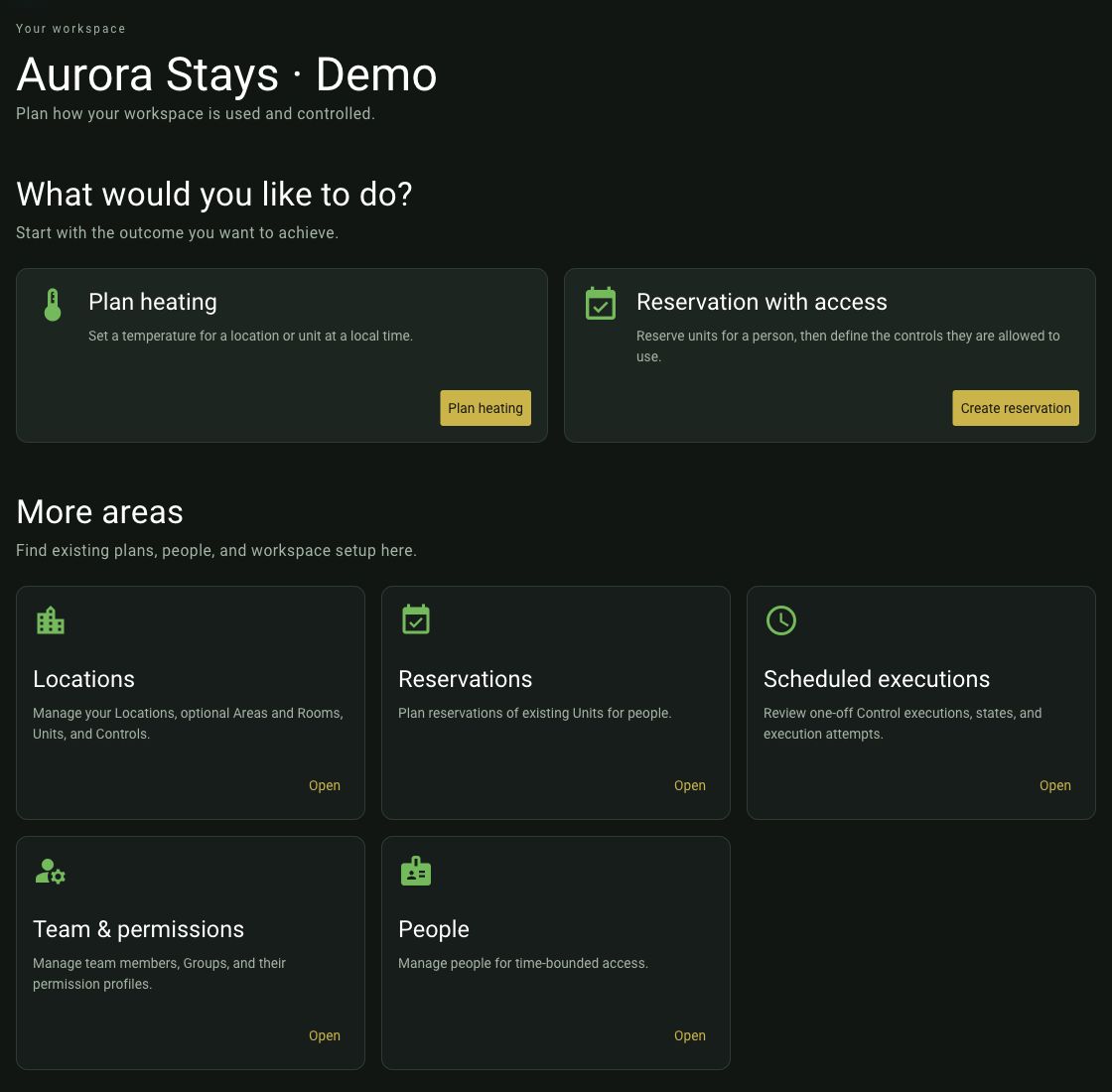
Overview of the Aurora Stays demo workspace with starting points for planning and administration.
1. Choose how to join
Before setting up your own workspace, explore plans and costs. Joining an existing workspace does not require a separate plan.
Adjust appearance, language and your profile once you are signed in.
2. Set up your workspace and units
3. Connect your smart home
You can manage reservations without a smart-home connection. Automatic heating and personal control access require suitable connected devices.
4. Reservations and daily work
- Create people
- Create your first reservation
- Set up personal access
- Check room comfort and executions
- Manage your team and daily work
Learn with Docto Pancy
Follow the guide step by step when getting started. Later, go directly to Smart-home providers or Plans & bookings to find a specific answer.